
Accessing the OpenStack Dashboard
Once OpenStack has been deployed you can use the OpenStack dashboard
(Horizon) to manage it by using a web UI. To get the URL of the
dashboard use the dashboard url command:
sunbeam dashboard url
Sample output:
http://10.20.20.2:80/openstack-horizon
This URL points to Horizon login page. The credentials to use are stored
in a previously generated credentials file (e.g. demo-openrc).
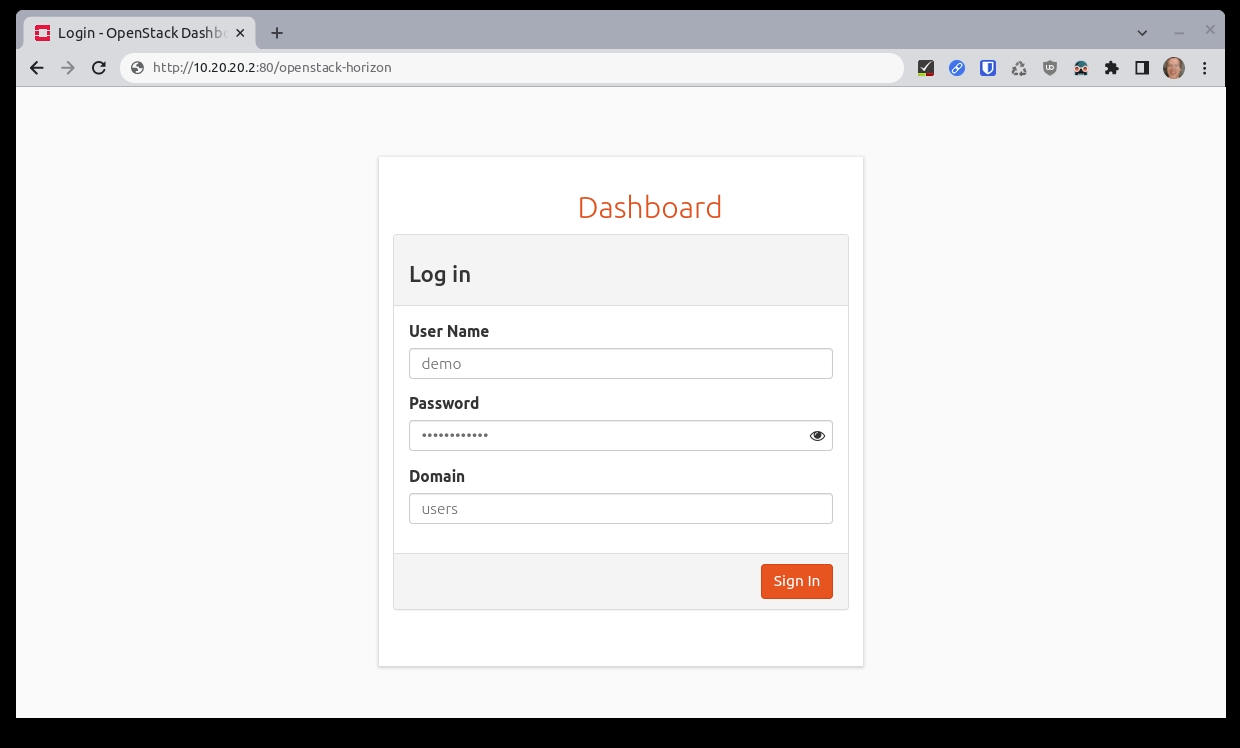
The login page asks for three pieces of information. For example:
User Name: demo Password: ******** Domain: users
The password is the value of variable OS_PASSWORD in the credentials
file.
The login page looks like this:
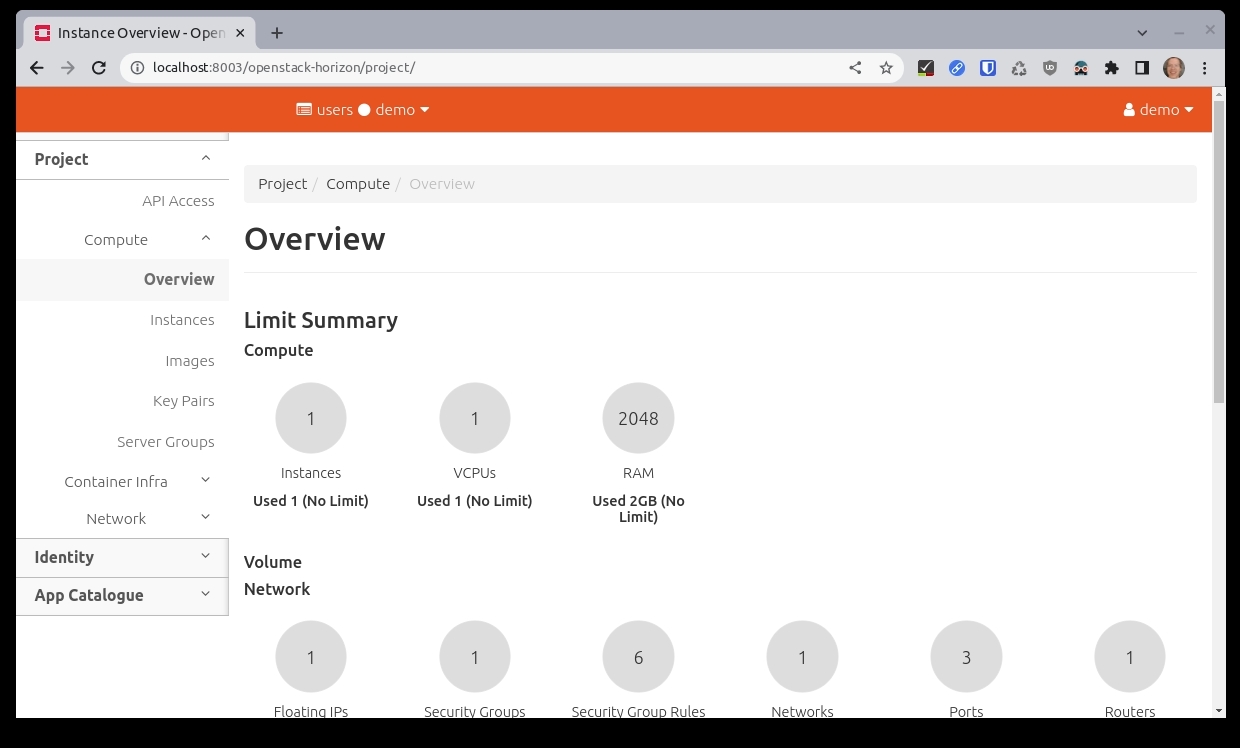
After a successful login, you should see the landing page:
You can now start managing your OpenStack cloud (e.g. create additional users, launch server instances, etc.).
Important
Uploading images via the dashboard requires the browser to have direct access to the Glance public endpoint. Ensure this endpoint is reachable from any machine used to access the dashboard.